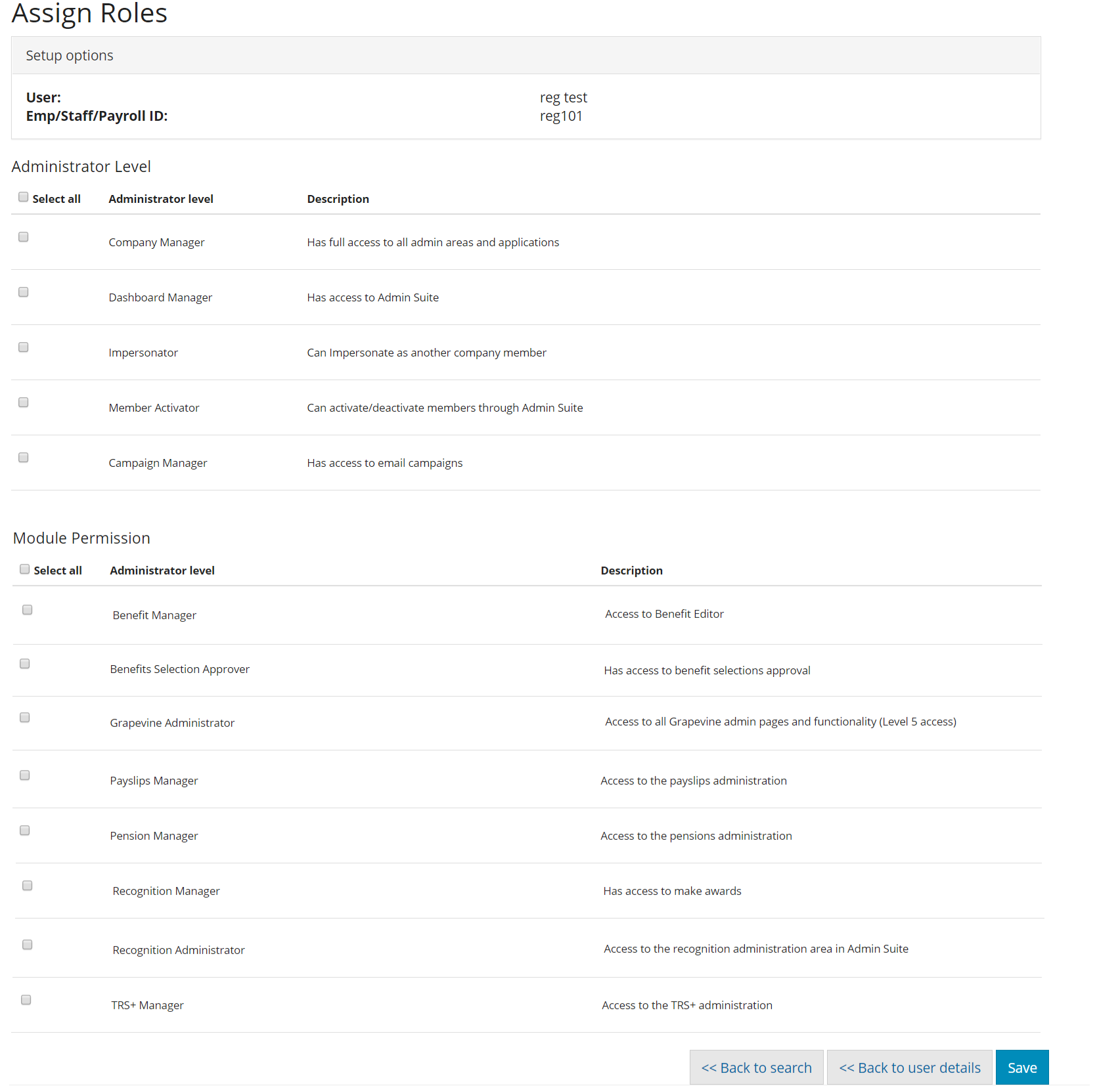
We have created a vast set of modular admin roles that enable you to be very granular with who can do certain tasks within your You at Work Portal.
Important points:
- Roles cannot be bulk added/removed or edited; they are done on an individual user basis
- You can only assign roles to other people that you already have yourself
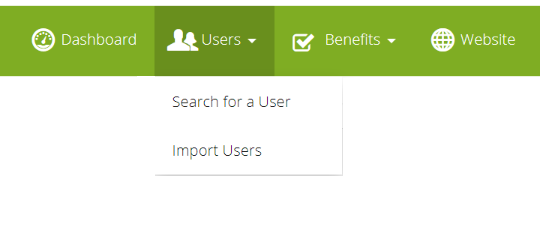
To start, go into the "Search for a user" with the admin suite. Then click on a user within your company to assign them any roles
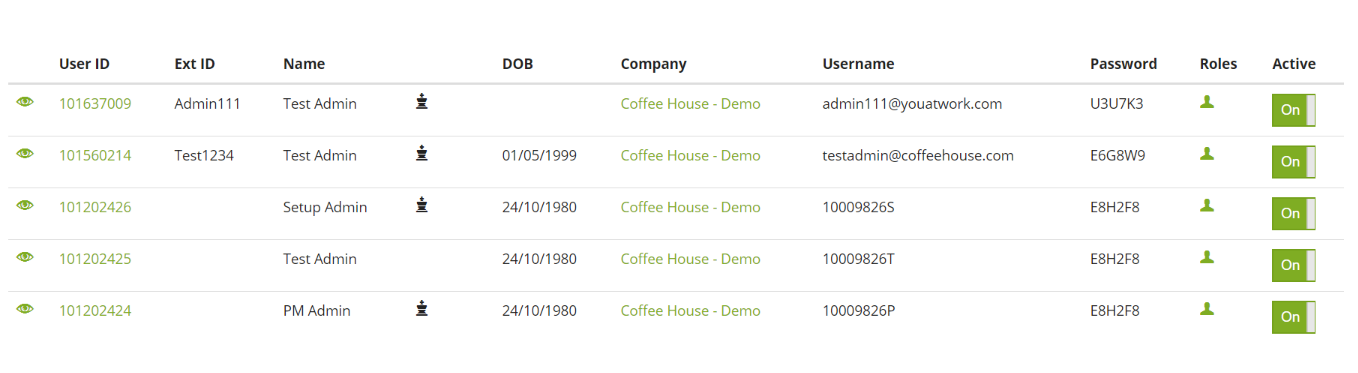
Once you're there, you can easily set which roles the user has.
The user will get access to any new roles the next time they log in, and likewise if you remove a role the user will lose access the next time they log in.
Comments
0 comments
Please sign in to leave a comment.