Employer cost calculations are written in SQL, and can currently only be created by YAW Super Administrators. If you are a partner/reseller/client who want to use employer costs please contact support with details on how you want employer costs to work and we'll set this up for you.
Employer cost calculations have a set of variables which you can use to set the employer cost; it could be a constant "Employer cost = X" OR on a complicated IF; elseIF rule taking into account the users age, group, Employment Start Date.
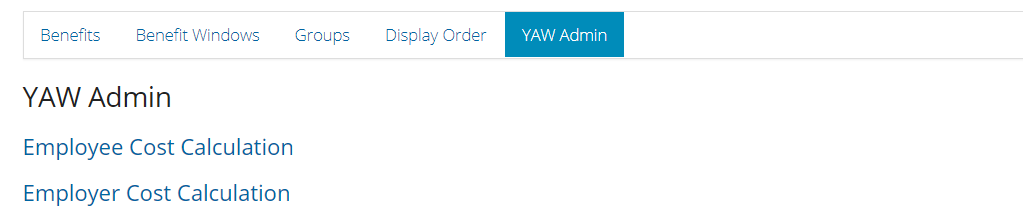
YAW super administrators can find"Employer Cost Calculation" within "YAW Admin" within Benefit manager.
Available Variables:
The following variables can be used in calculations and can be nested within IF and Elseif statements to allow a great degree of flexibility.
- @employeeValue
- The level that the employee selects
- @EmployeeCost
- The cost of the level the employee chooses
- @EmployeeRate
- Employee Rate sets a cost based on the users age against the rate table loaded (Only works with "Rate" type benefits)
- @EmployeetStartDate
- The Employment Start Date for the employee
- @EmployeeID
- The memberID of the employee
- @MemberGroupName
- The member group the employee is in
- @s1; @s2 ; @ s3; @s4; @s5
- Custom Fields in the database that can be populated with any data
- @ActualSalary
- Member's salary after salary sacrifice deductions
- @ReferenceSalary
- Member's salary before salary sacrifice deductions
Example Calculations:
Some examples have been created in another article
Comments
0 comments
Article is closed for comments.