Once you have your group setup, you now want to start allocating users to them.
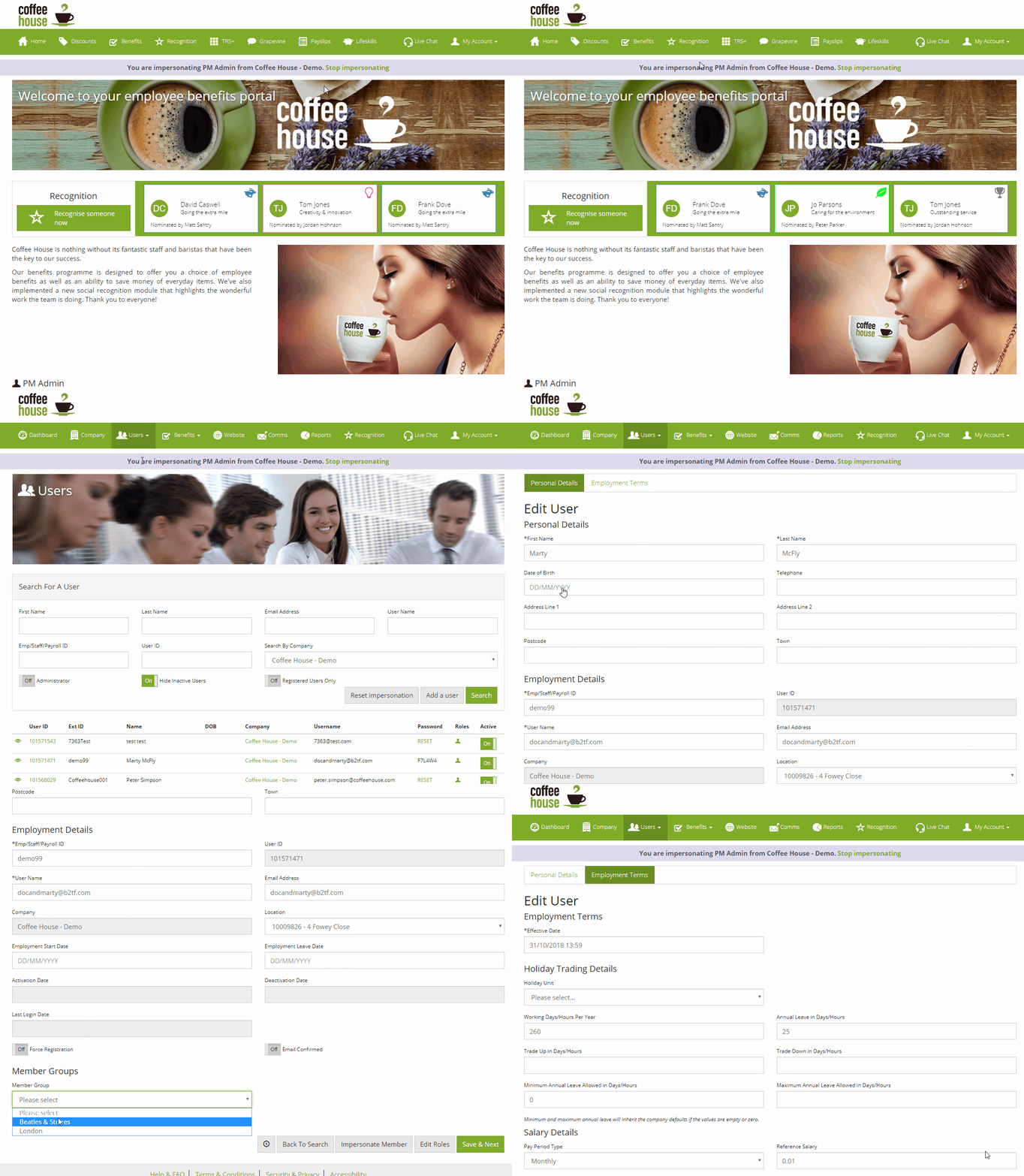
To do this, you want to head to you user panel by clicking on Users, then Search for a User.
Once here, you want to search for the user you want to allocate to a group, once you have found the user, click on their User ID.
Once you are on the User details, scroll down to the bottom and you will see a section called Member Groups. From here, select the group you would like to put the user into and remember to save as seen below:
Comments
0 comments
Article is closed for comments.