If there are only a handful of people or just one individual you need to add/amend custom field data for, then the following method will be quicker than using the data mapper for bulk updates.
Quick Summary:
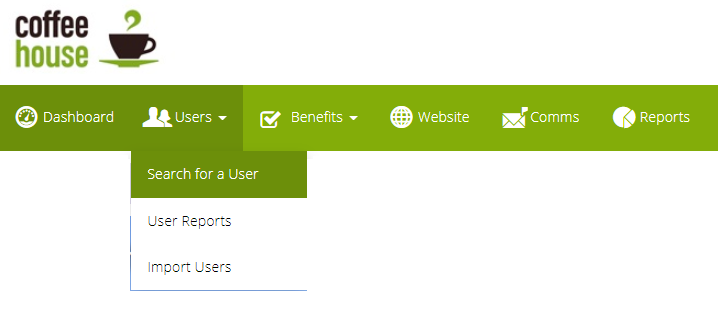
- Navigate to "Search for a Users" withing the admin suite
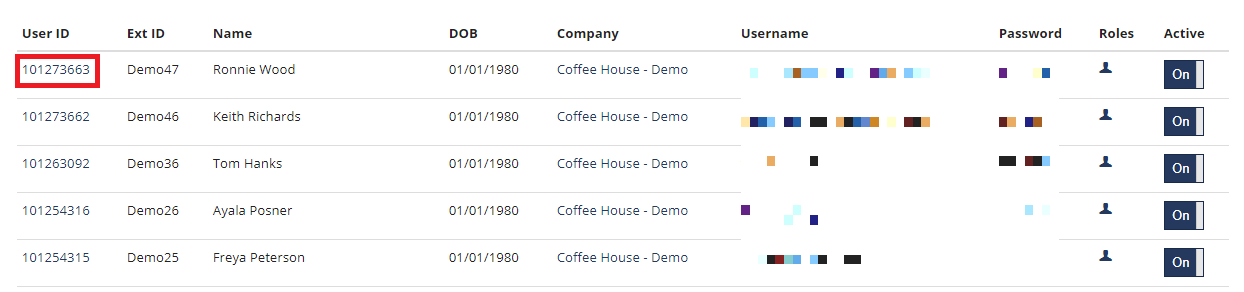
- From the list of users, click on the user ID of the user you wish to amend the data for and you will be on the user's details page
- Click on "Employment Terms" from the sub-navigation bar
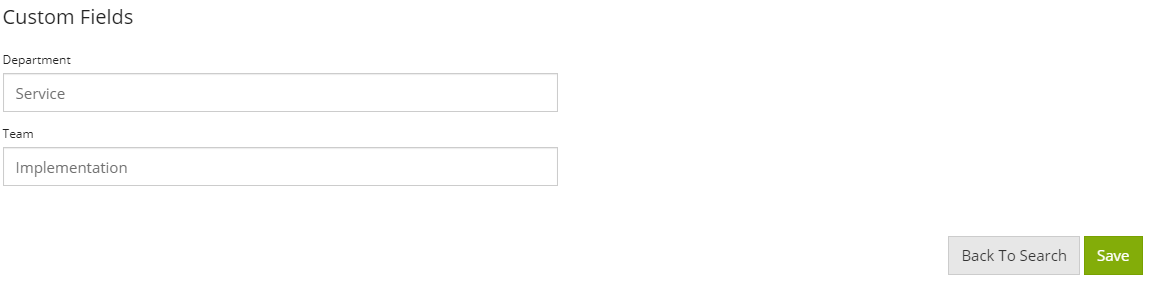
- At the bottom of the page, you will see the custom fields available. Enter the data required, and save the page
The process explained:
- Navigate to "Search for a Users" withing the admin suite
- From the list of users, click on the user ID of the user you wish to amend the data for and you will be on the user's details page
- Click on "Employment Terms" from the sub-navigation bar

- At the bottom of the page, you will see the custom fields available. Enter the data required, and save the page
Comments
0 comments
Article is closed for comments.