Now that your Appointment bookings app is enabled, it's time get your free Calendly account setup!
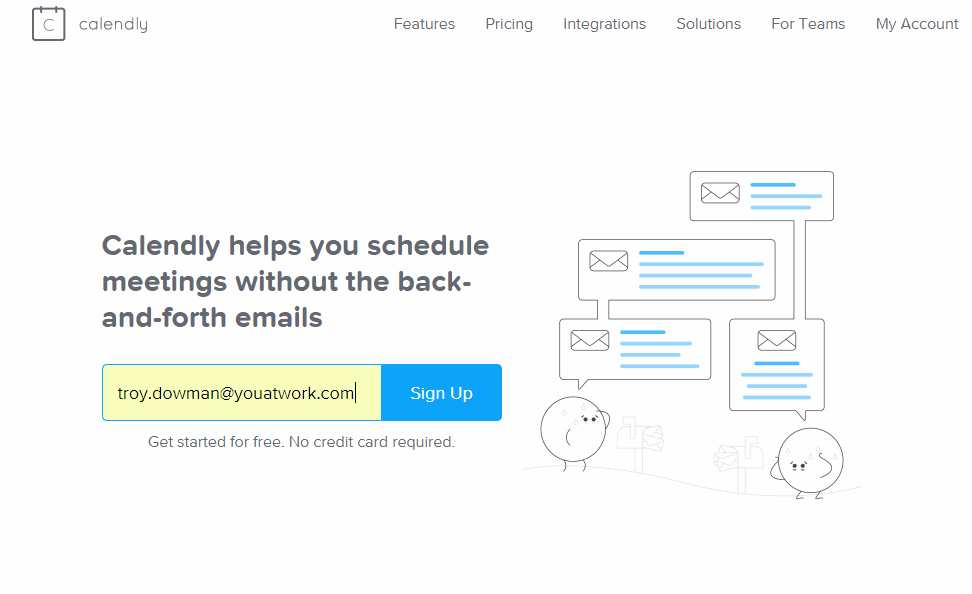
To do this head on over to https://calendly.com/ and enter the email address you would like to register with:
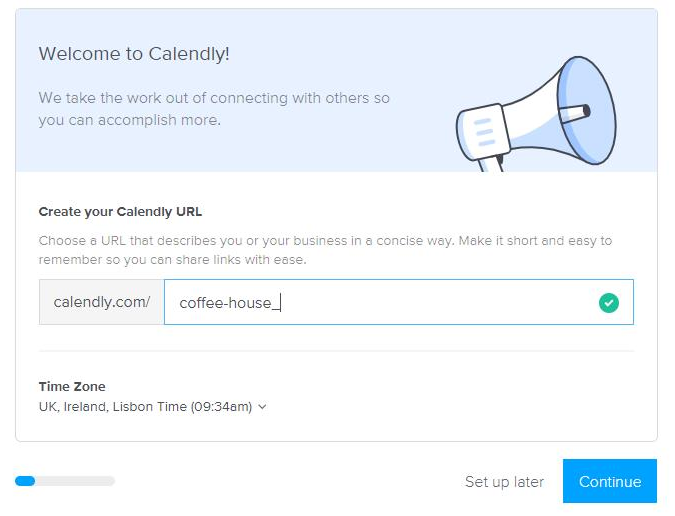
Next, it's time to create your unique Calendly URL:
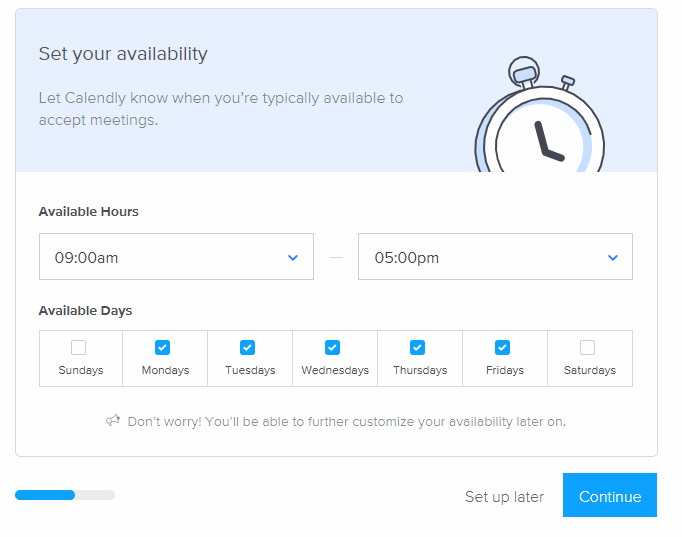
Now you can set your availability, this is useful for people who work part-time or 3-day weeks, or those workaholics who work weekends:
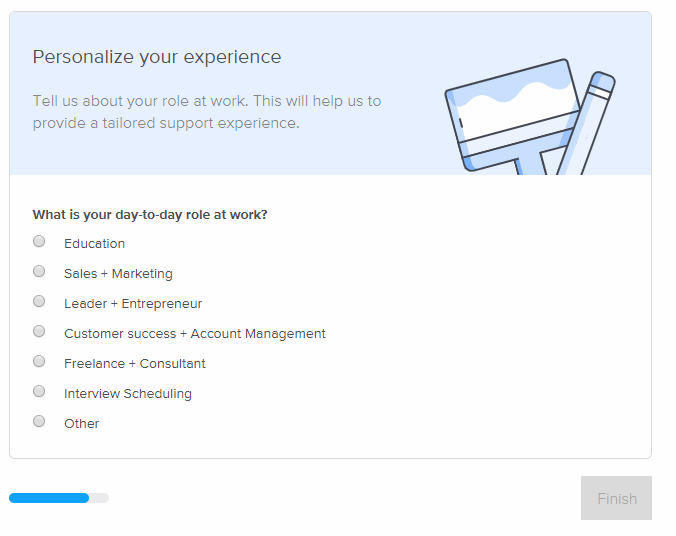
You can also personalize your experience, by adding your day-to-day role:
Now that you have your free Calendly account set up
head on over to the next part of the guide where we go over actually creating a meeting or bookable event.
Comments
0 comments
Article is closed for comments.