Within the 'Manage Perks' section the administrator will be keeping tabs on perks already awarded and updating the system on the perks redemption status.
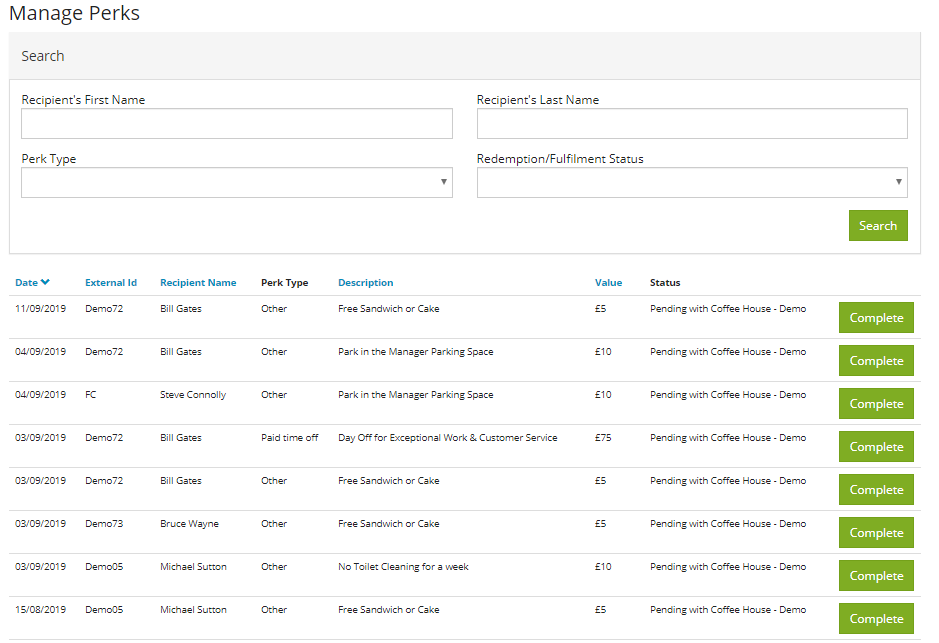
The perks will display in chronological order and it is important to set a precedent from the beginning of using Recognition. Many clients come in on a weekly basis and go through the perks and click the 'Complete' button to confirm that this perk has been redeemed by the employee.
For any perks are are You at Work's responsibility, your administrator will come in and tick off on a weekly basis in order to ensure your perks list is updated and reflecting accurately.
Within this section as admin can request to see only perks waiting to be completed by either themselves or YAW. They can also select an option to show perks that are still awaiting an employee action (for gift card, employees need to supply their address on the Recognition feed page).
Comments
0 comments
Please sign in to leave a comment.