Customers on the Standard plan will have the option to add their own branding to certain parts of the website. This guide will show you how.
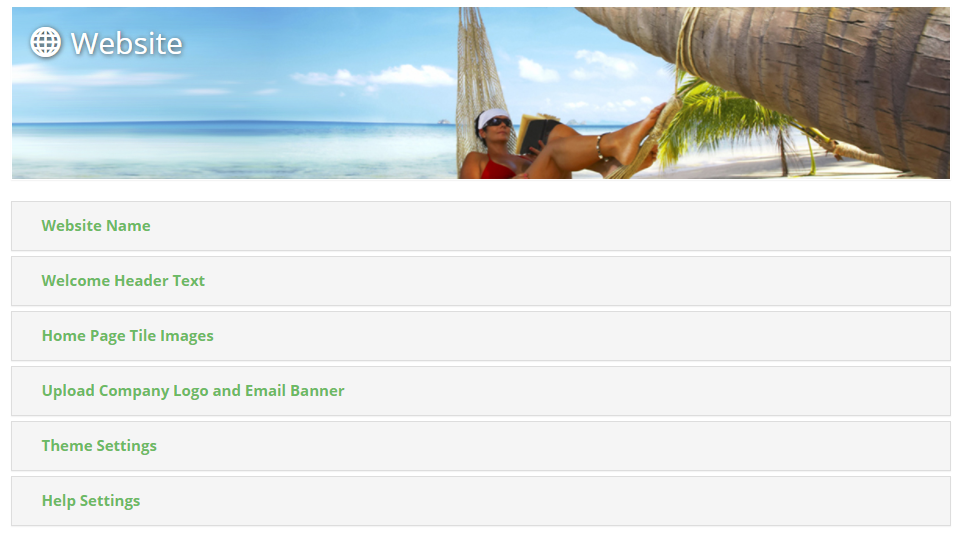
To start, head to "Admin Suite > Website"

From here, you'll first get a set of general branding options that apply across the entire site; from theme colours to company logo.
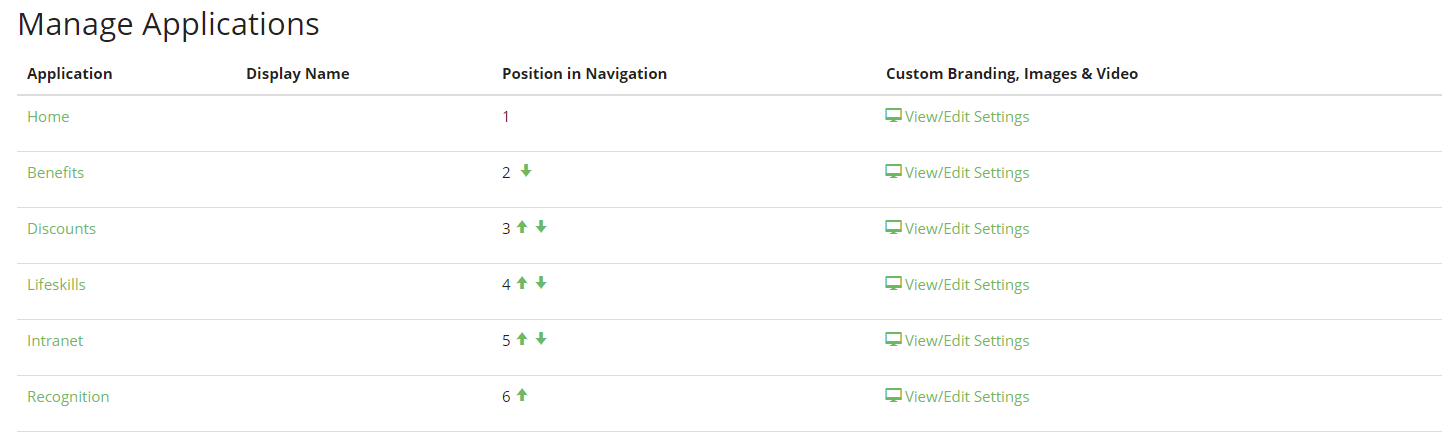
Scroll down past these, and you will then be presented with a list of the different applications within the site; where you can reorder them on the navigation bar, or go into edit text and images on each.
Top Tips:
- Images must meet certain size requirements, and be either PNG or JPG; the size requirements are stated when you are prompted to choose your file.
- Remember to save each page when you are editing to not loose your progress!
Comments
0 comments
Please sign in to leave a comment.