Whilst some benefits can be selected at any time of the year, others have a specific window where users can only select the benefit during a pre-determined period, set when creating the benefit. This would have already been agreed upon between the administrators of the portal and YouAtWork prior to the benefit launching.
For example, this test benefit has a selection window between 01/01/2020 – 20/02/2020.
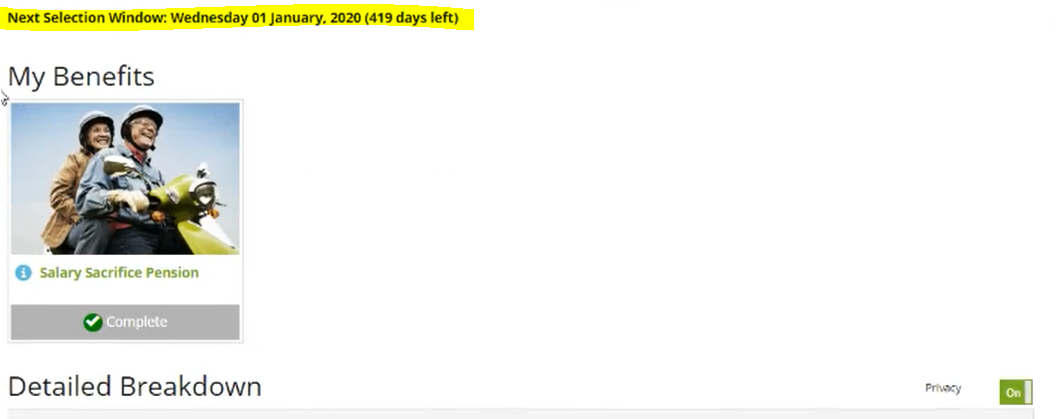
Naturally, the window is often set in the future, so we have time to inform users of the upcoming window, prepare any documentation and test the benefit is working correctly before making it visible to users. So, how can we test a benefit where the window is in the future, before the actual window goes live?
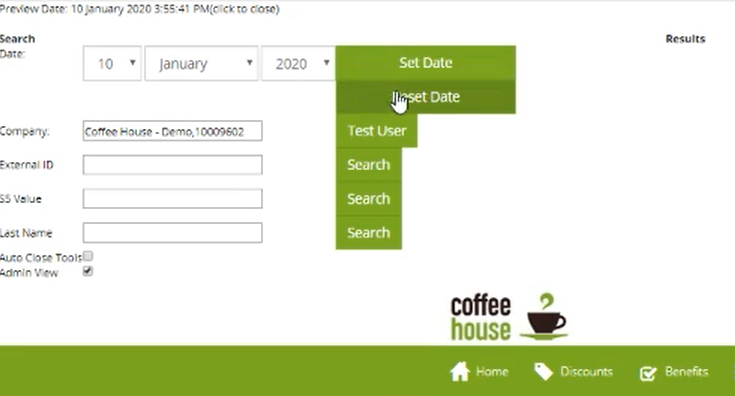
This is where the Preview Date tool for admins comes in to play. Administrators of the portal can view past and future versions by adjusting the preview date using the tool at the top of the admin page (if it is not showing the buttons, try clicking the preview date in the very top-left of the page). This allows you to preview a version of the portal during a selection window for the chosen benefit[s].
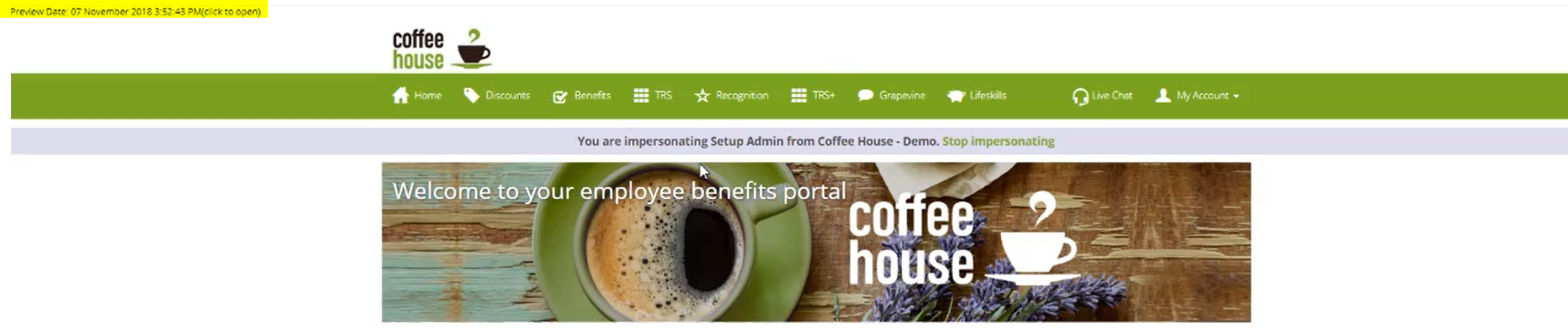
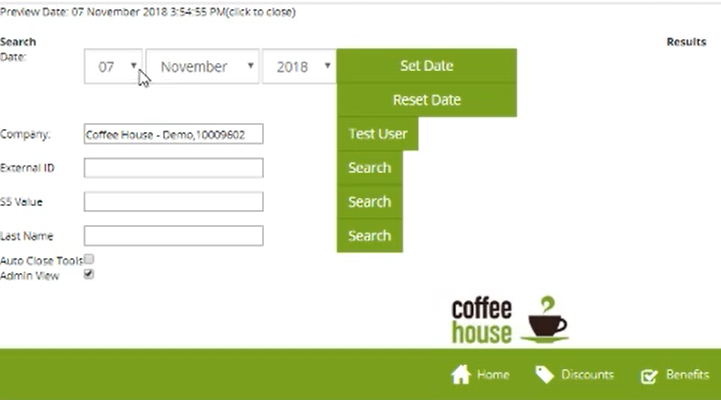
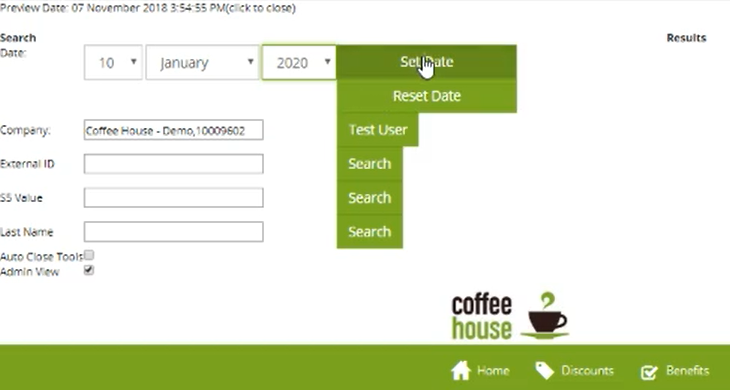
Therefore, if we set the date to be within the benefit window, e.g. 10/01/2020, it will be visible to any users who have been allocated this benefit, such as our test user Marty McFly.
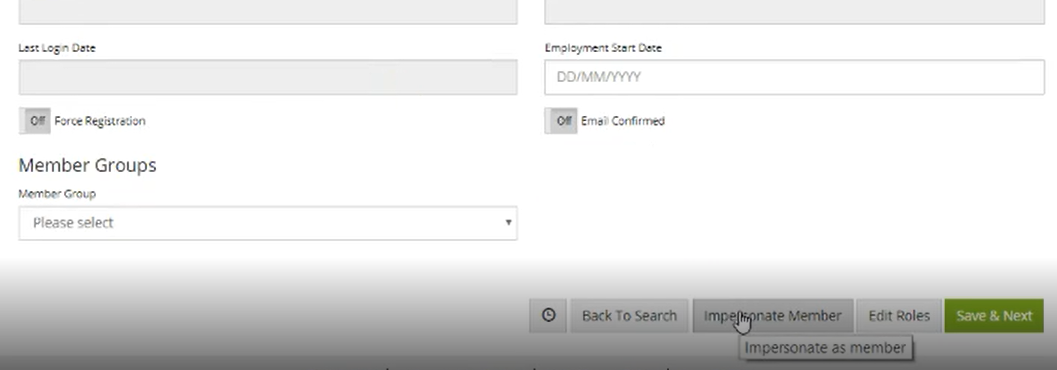
Now when we impersonate user who has this benefit allocated, (‘Search for a User’ in the admin suite, find the user to impersonate from the list, click on their user ID and you will see 'Impersonate User' at the bottom of the page) and go to their benefits page we can see that the test benefit is visible to the user, they can view the details, terms and conditions and add the benefit to their basket, ready to check-out.
We have now seen that the window working properly and now can go back to the current version of the portal by going back to the set date tool and clicking the reset button, you can check which version you are on by looking at the Preview date at the top of the page.
Still Unsure? Contact us!
Comments
0 comments
Article is closed for comments.