This generally happens when clients inform us of new joiners to their company, but have not deactivated all of their leavers; creating an ever increasing active user count.
However, fear not, you can simply download the current data, then re-upload it to remove the leavers.
Navigate to our "User Reports" section in admin suite and choose the "Employee Data (Upload format) report. It will download your data in the perfect format to be re-uploaded, except you need to change filetype from .xlx to .csv and of course amend or add employment leave dates for anyone who has left your company that you haven't told us about.
Admin Suite > Users > User Reports > Employee Data (Upload Format)
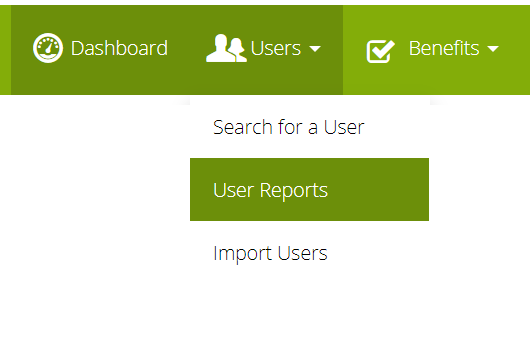
From here, you simply add an "Employment Leave Date" for any leavers and reupload the file into our Import Users tool. They will be deactivated overnight.
If you have any new joiners, you can add them to the file before reuploading; or upload them separately afterward.
Comments
0 comments
Article is closed for comments.