What are employment terms?
Employment terms are used for our benefits module; allowing you to control the Salary, Payment Frequency, Flex Allowance and Holiday Trading values per user.
Our benefits software is designed to show the user the cost the benefit to them; for instance, if you were weekly paid you'd want to see the costs as a weekly value rather than monthly!
This process can be controlled per person, and can be set either on an individual basis, or bulk uploaded for all employees .
This article will explain how to set the values for individuals:
Navigating to the correct starting place
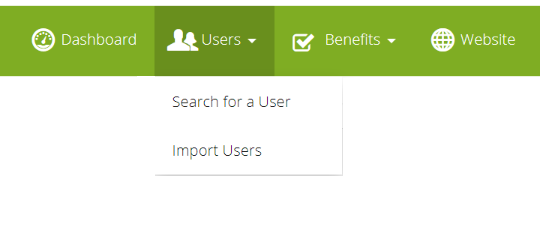
To start, go into the "Search for a User" area within the admin suite.
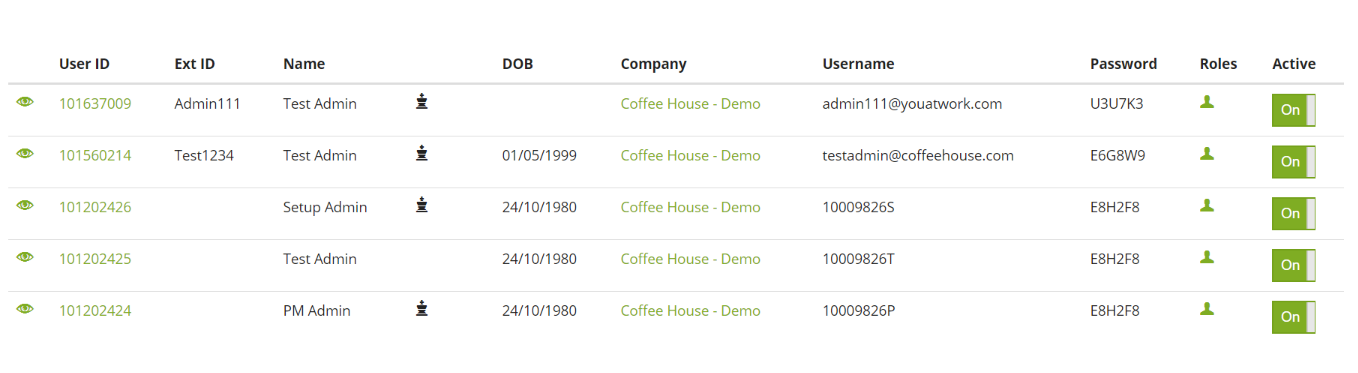
Once there, click into the "UserID" of a user whom you want to set the employment term for
Employment Terms Explained
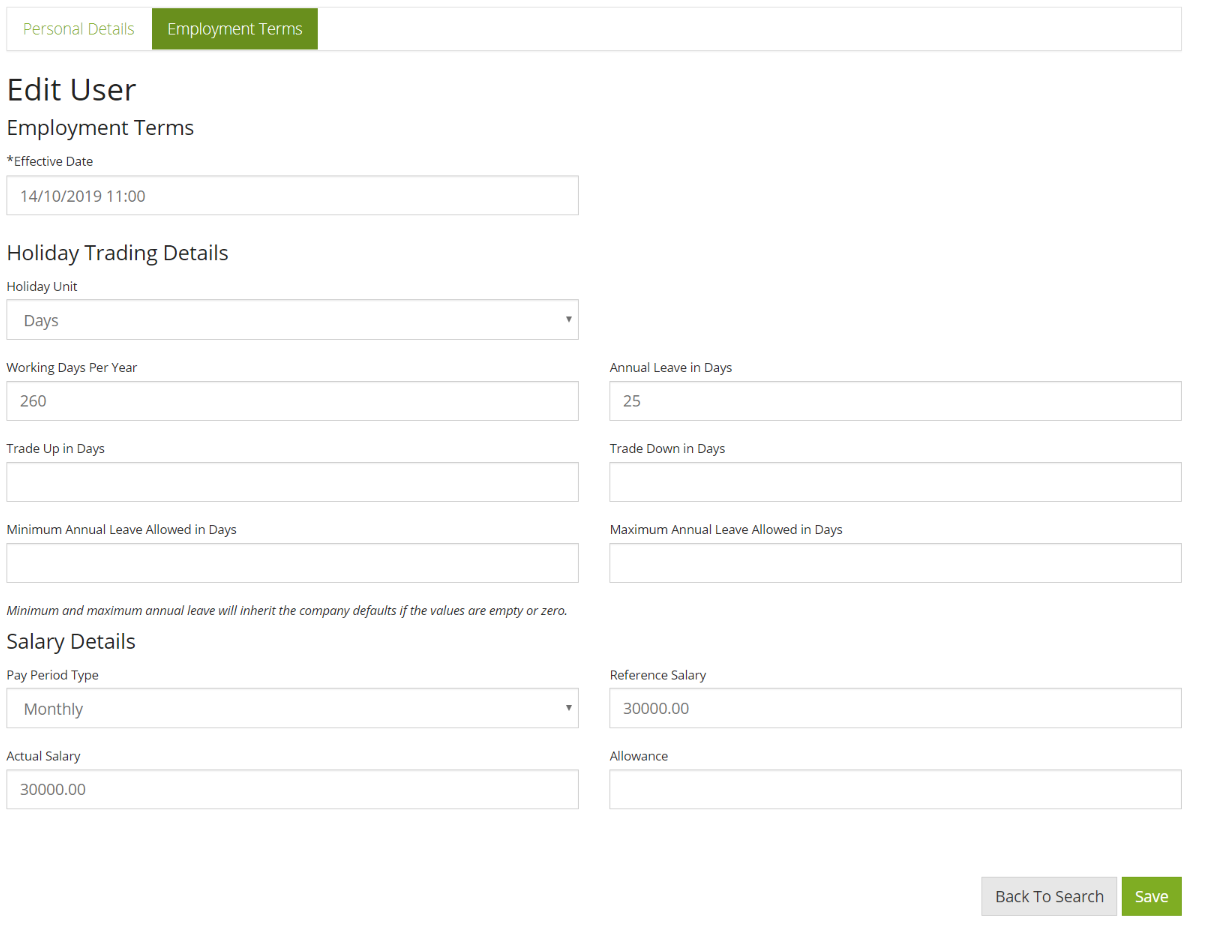
Effective Date
You can set an effective date to make a change happen in the future, or perhaps you're updating a user's salary retrospectively. You can make amends here. (Note this won't change the cost of benefits calculated on a user's salary automatically)
Holiday Trading Details
If you're using our benefits module, you're most likely offering a holiday trading benefit. With these type of benefits companies usually want to set limits to the number of days/hours a user can buy or sell.
- Holiday Unit: Is user trading in Days or Hours? - changing this changes the other labels to days/hours
- Wording Days Per Year: number of days the user is employed to work
- Annual Leave in Days: number of days leave the user already has
- Trade Up: the number of units the user can buy
- Trade Down: the number of units the user can sell
- Minimum Annual Leave Allowed: use this as an overide if tradedown is set to high
- Maximum Annual Leave Allowed: user this as an overide if tradeup is set to high
Note: Min and Max annual leave allowed can be used instead of Trade up and down if easier for you.
Frequently Asked: How can I bulk update user's holiday trading values?
Salary Details
- Pay Period Type: is the user weekly, 2x weekly, 4x weekly, or monthly paid?
- Reference Salary: User's salary used for benefits such as pension
- Actual Salary: sometimes a user's actual salary is lower than their reference salary, you can set these different here
- Allowance: see flex allowance
Comments
0 comments
Please sign in to leave a comment.